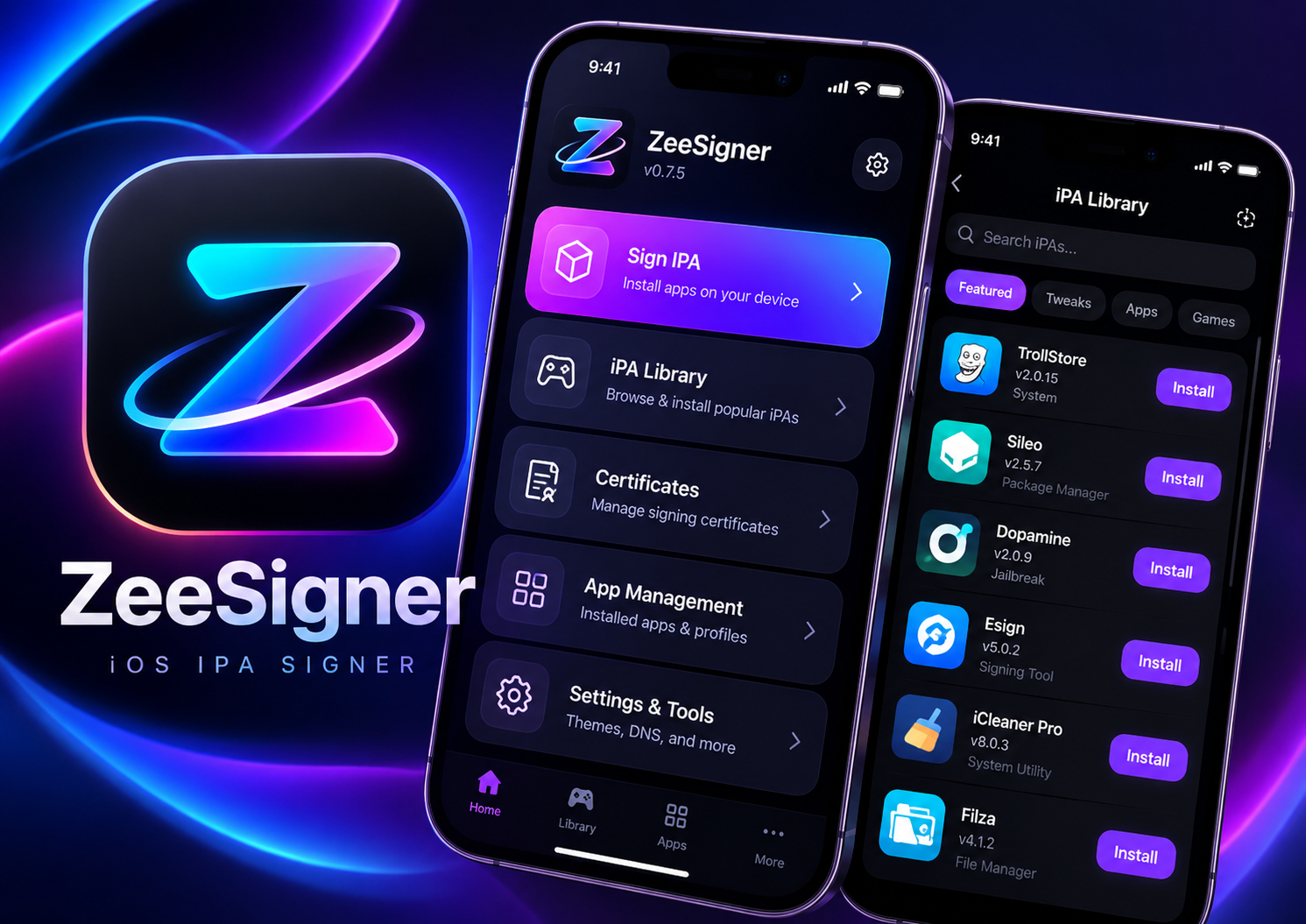
ZeeSigner
Sign unlimited IPAs directly on iPhone/iPad without PC. Includes 1-Year Instant Replacement Anti-Revoke guarantee and custom DNS profile.
Product Overview & Specifications
Step-by-Step Installation Tutorial
Free Download & Trial Mirrors
We believe in transparency. Download free trial builds, open-source IPA helpers, or verified DNS profiles below:
Active Discounts & Bundle Coupons
Get 50% discount on all iOS Jailbreak suites & signing certificates during our flash sale.
Verified Buyer Feedback
★ 4.9 out of 5.0 (384 ratings)"Instant delivery within 30 seconds! Certificate worked immediately on my iPhone running iOS 17.4. Tested signing 10+ IPAs and notifications work perfectly."
"Super clean guide and the dual payment option via Paddle/PayPal was seamless. Far better than GGSEL or random Telegram channels."
"Worked on first attempt. Direct on-device installation without computer was super convenient."
"Fast support on Telegram when I had questions about DNS profiles. 10/10 recommended!"